A successful alert
A warning alert
A danger alert
A info alert
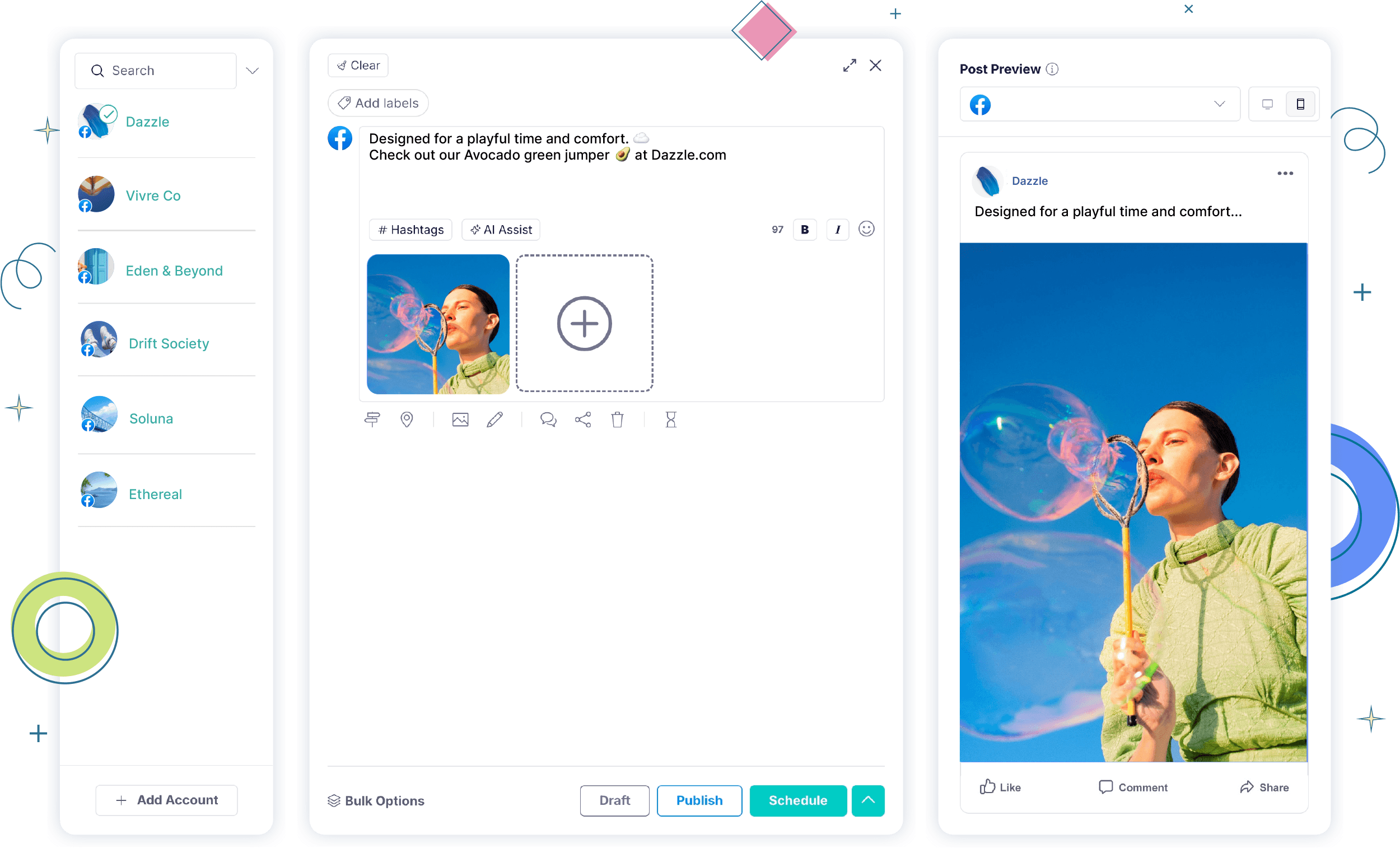










Manage Facebook Pages, Groups & Profiles
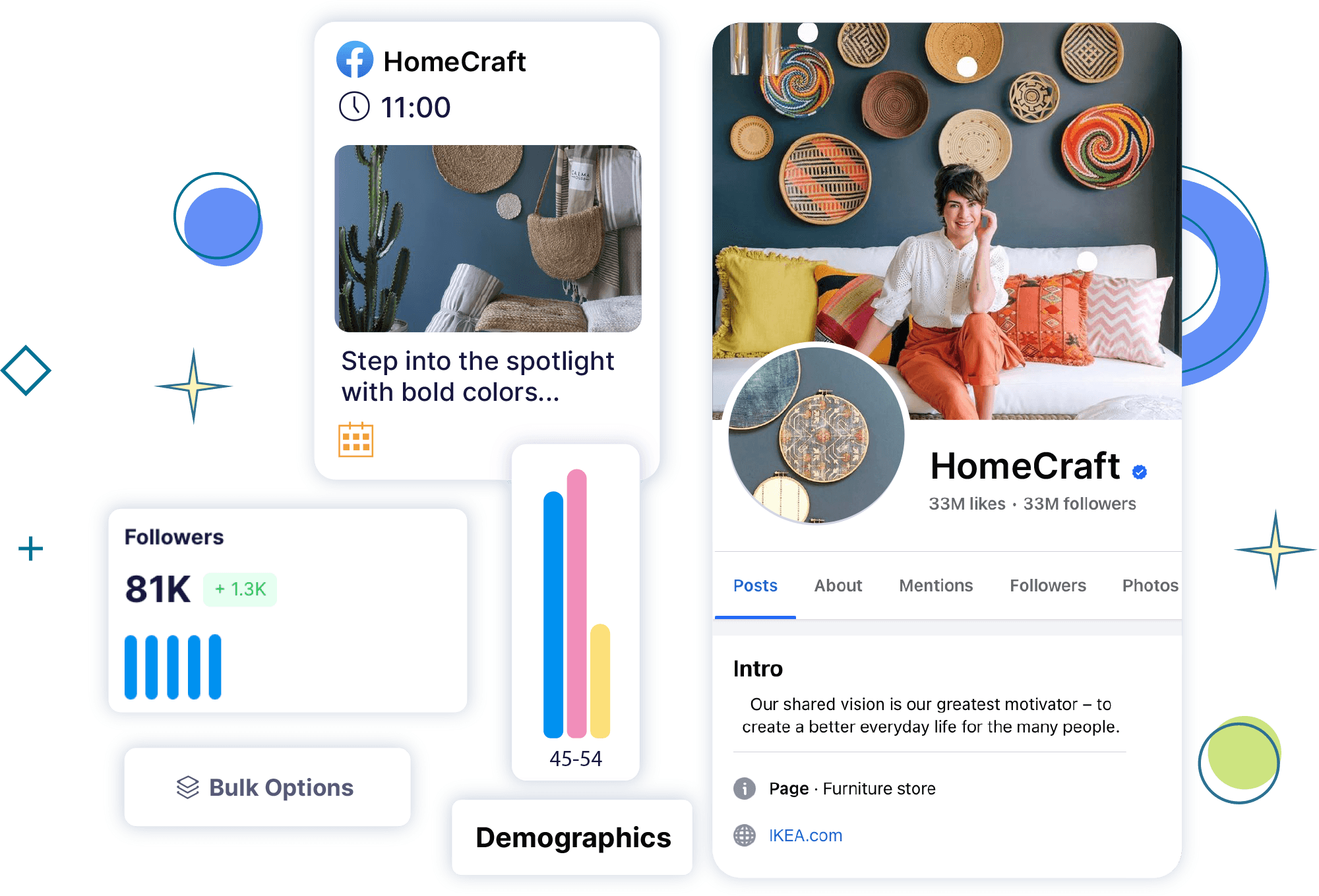


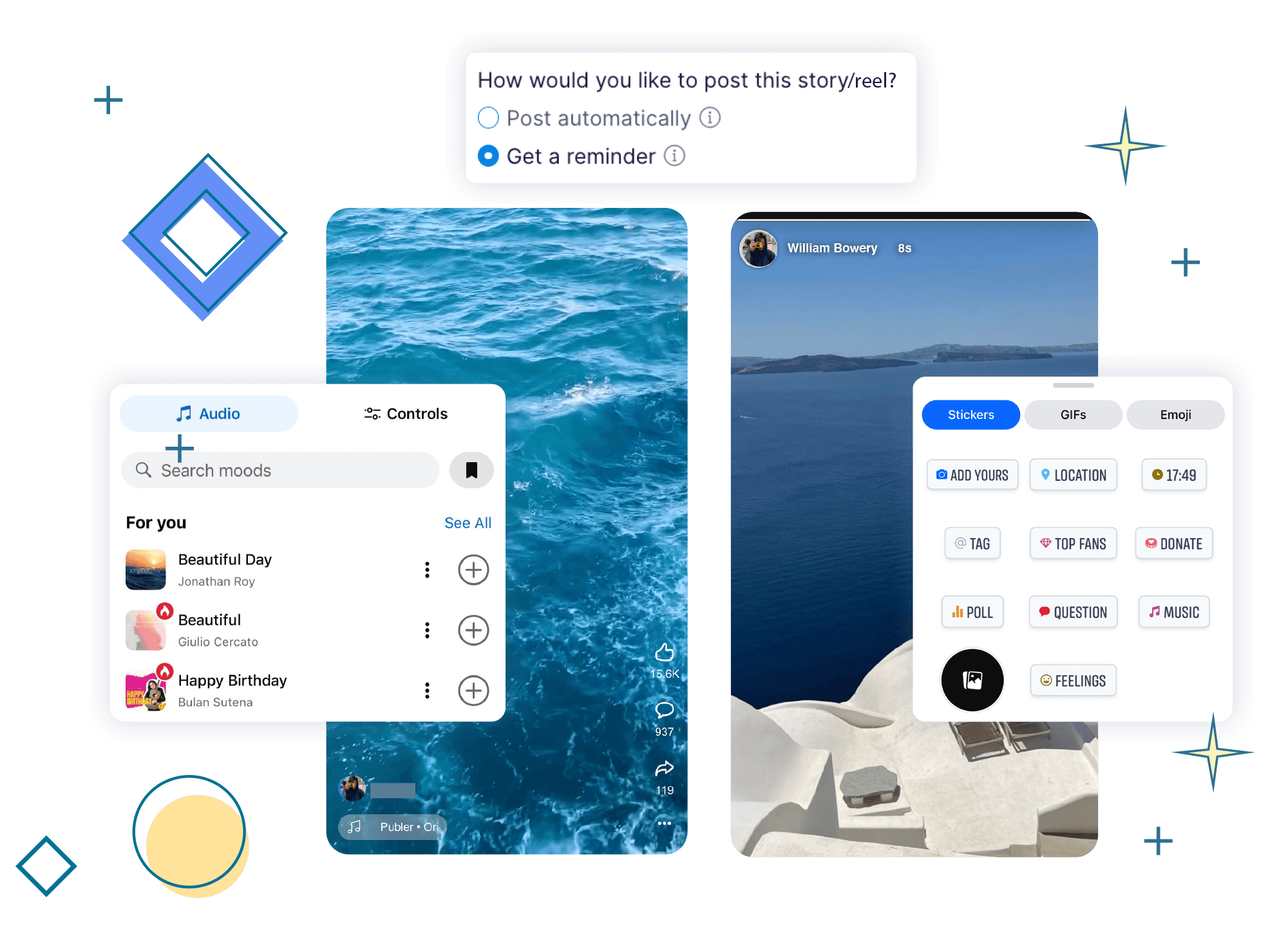
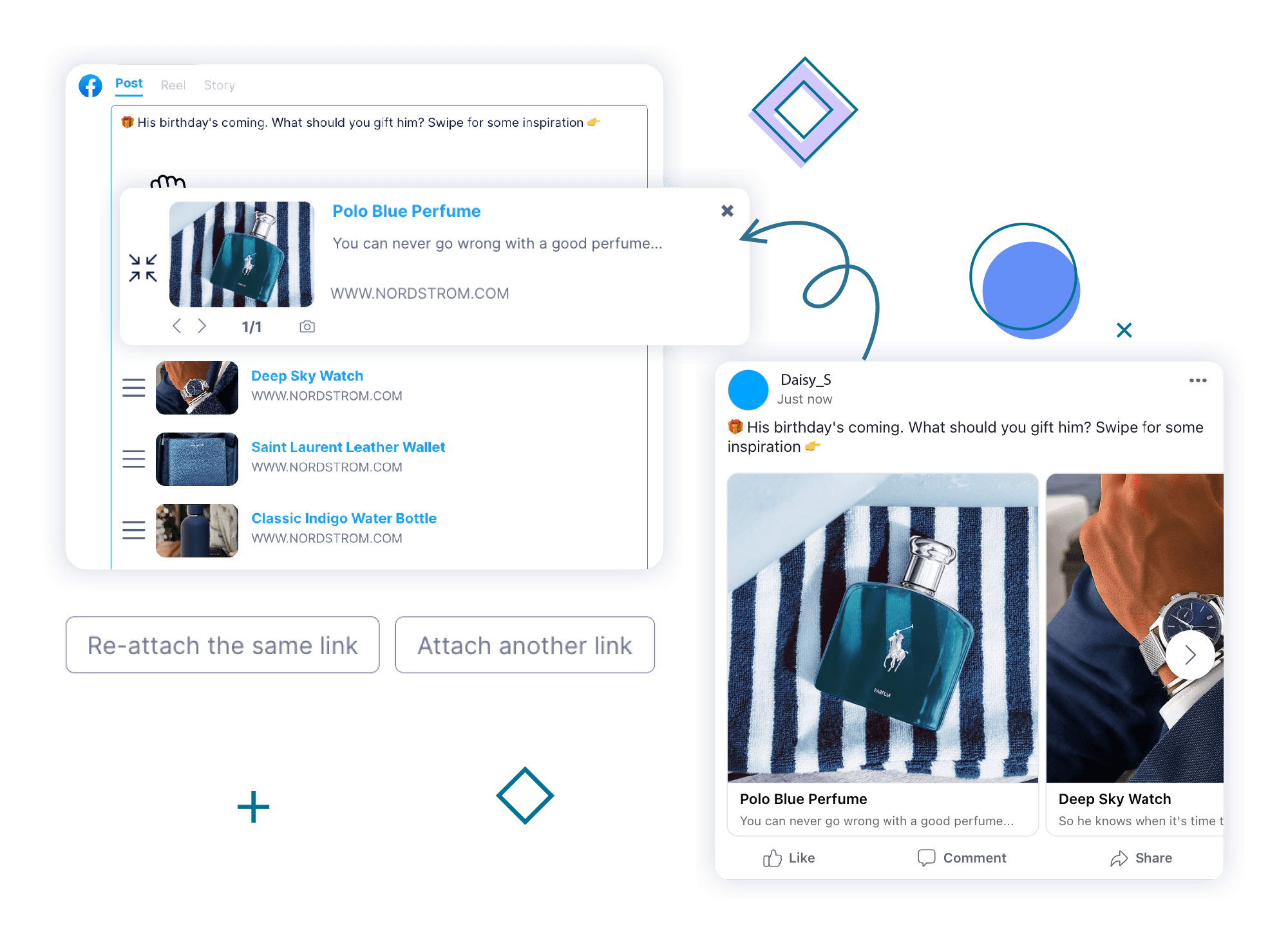
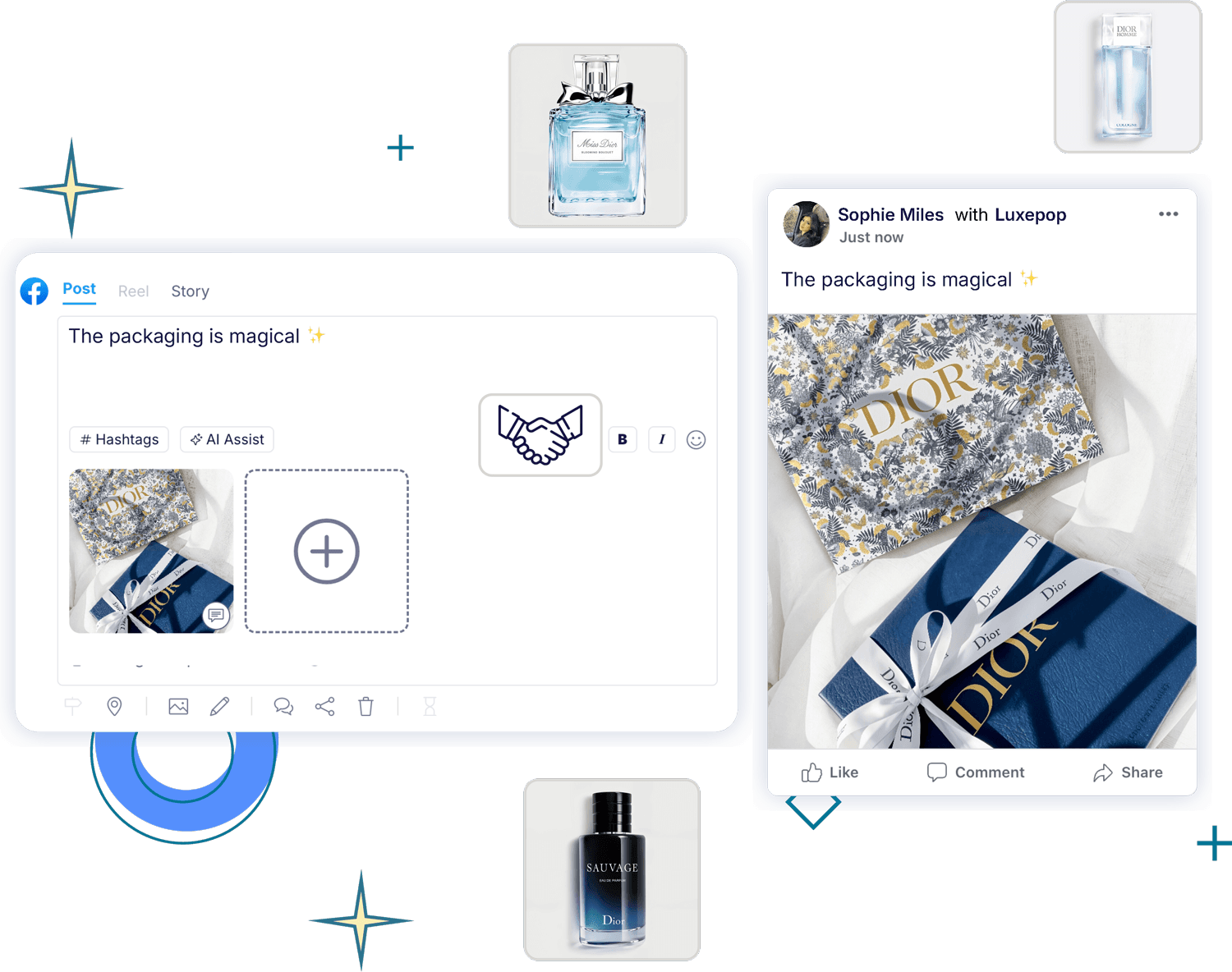
Create Beyond Basic Facebook Posts

More Facebook Automation Tools
to Save You Time
Start Growing on Facebook Now!
Can I schedule on Facebook for free?
Yes! With Gtcdrom’s free plan, you can schedule up to 10 daily Facebook posts. For unlimited scheduling and advanced features like bulk scheduling, analytics, AI, and more, you need to upgrade to a paid plan.
How to schedule a post on Facebook with Gtcdrom?
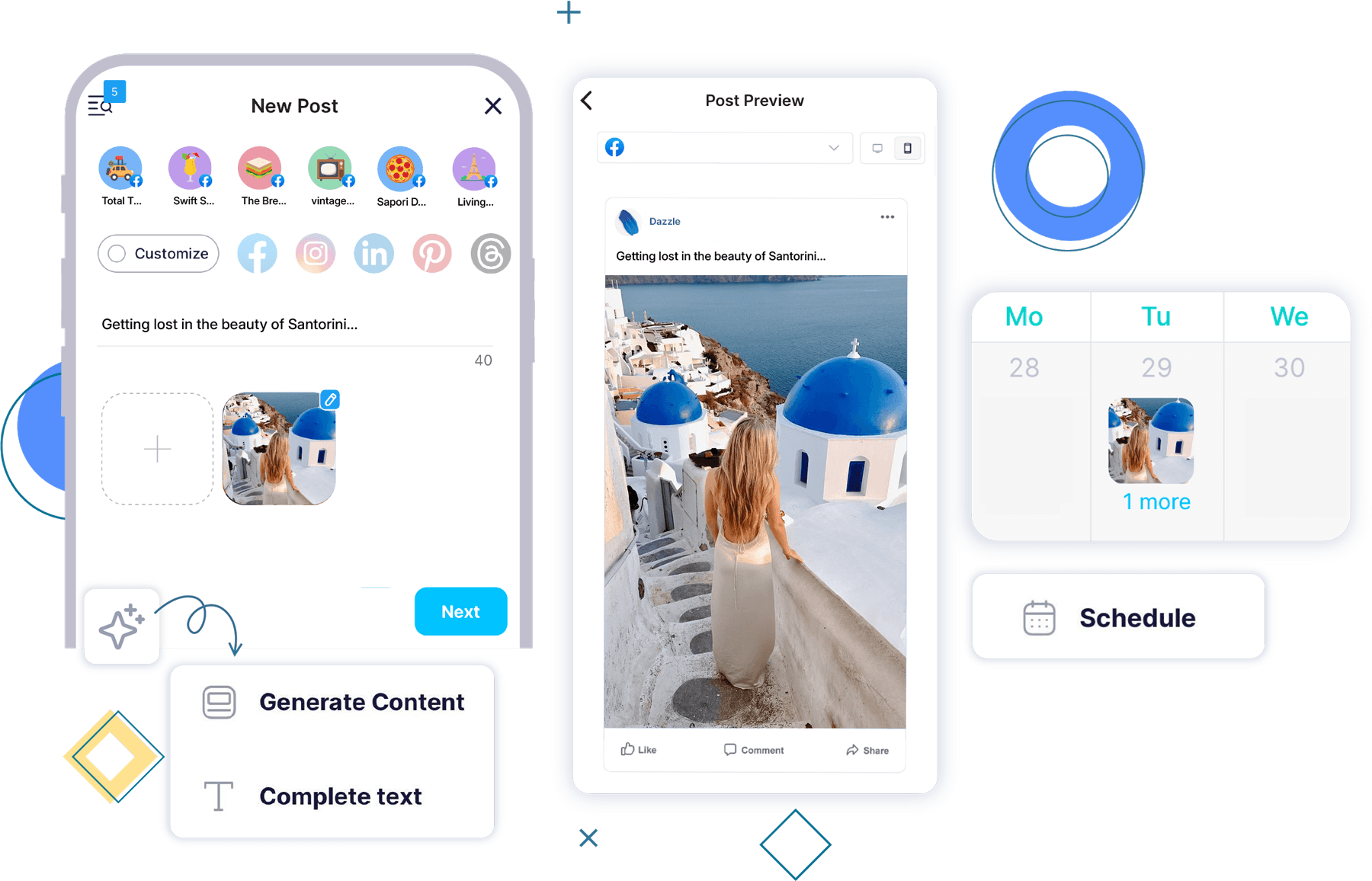
To schedule a post on Facebook with Gtcdrom, connect your Facebook page or group, create your post using text, images, videos, or links, and select a time to schedule it. You can also use the auto-scheduling or recurring posting options for more flexibility.
How can I use Gtcdrom's Free Facebook competitor analysis?
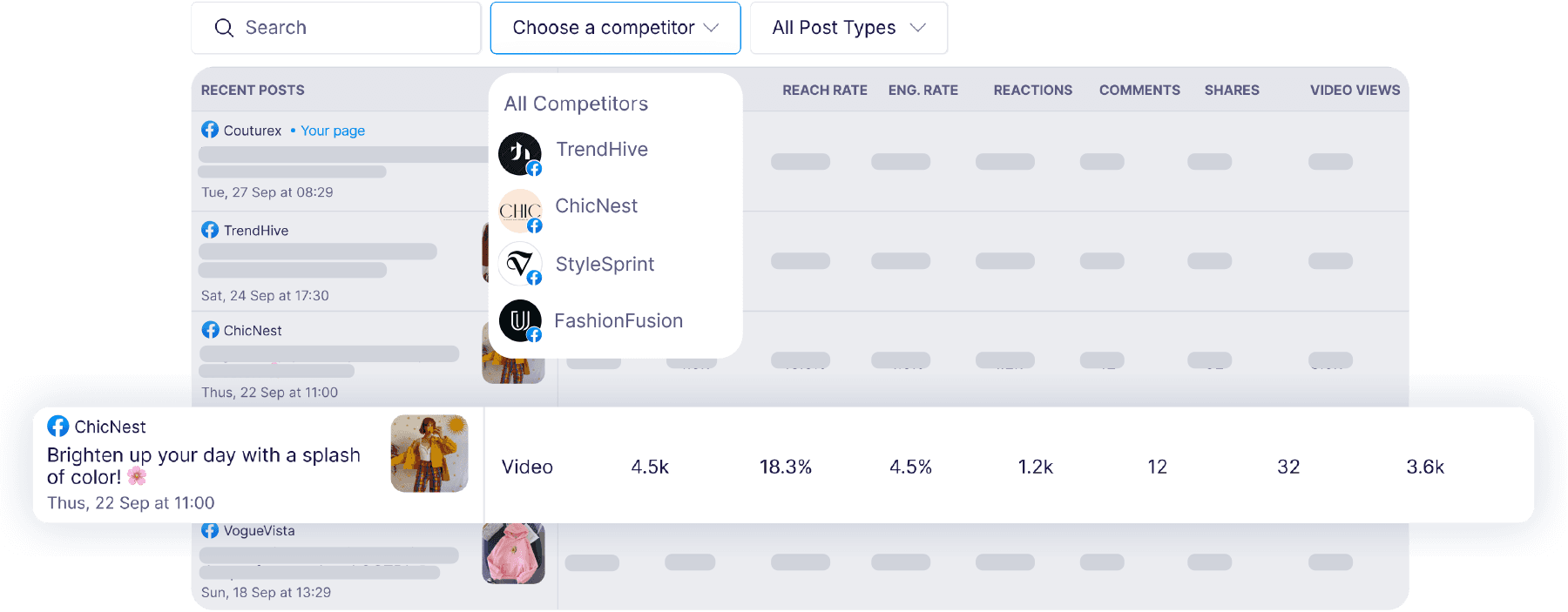
With Gtcdrom’s free Facebook Competitor Analysis tool, you can compare your Facebook page against your competitors’ to track engagement, post frequency, and top-performing content. Simply go to Free Tools and choose Social Media Competitor Analysis, add your Facebook page and your competitors' to compare performance metrics.
Can I generate Facebook posts with AI in Gtcdrom?
Absolutely! Gtcdrom’s AI Assist helps you generate engaging Facebook posts instantly. Whether you need captions, hashtags, or content ideas, AI Assist can craft posts based on your input.
Can I schedule on Facebook & Instagram?
Yes! Gtcdrom lets you schedule posts for both Facebook and Instagram simultaneously. You can customize posts for each platform to optimize engagement.
Where to find the peak times to post on Facebook?
Gtcdrom provides insights into the best times to post based on engagement data. Go to the "Analytics" dashboard inside Gtcdrom aand check the suggested posting times to maximize reach and interaction.
What type of Facebook posts can I schedule with Gtcdrom?
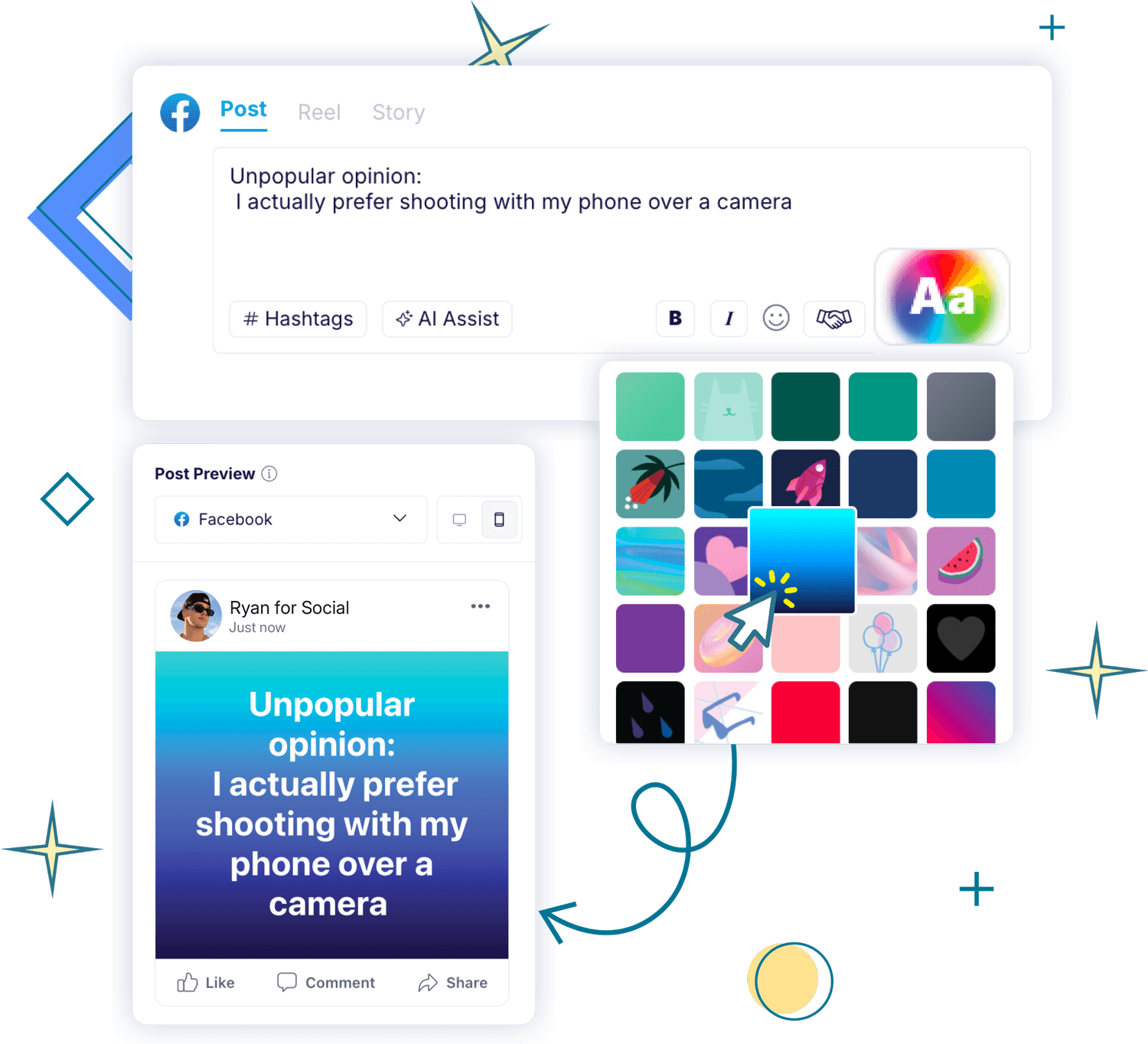
With Gtcdrom, you can schedule Facebook text updates, photos, Reels, videos, Stories, and link carousels. Plus, in beta, you can now schedule Facebook text updates with backgrounds for more engaging posts!
How can I schedule posts on Facebook groups?
To schedule posts in Facebook groups via push notifications, download the Gtcdrom mobile app. Create your post, set your desired posting time, and schedule it. When it's time to post, you'll receive a push notification prompting you to publish it manually in your Facebook group.
How can I schedule posts on Facebook personal profiles?
To schedule posts on Facebook personal profiles via push notifications, download the Gtcdrom mobile app. Create your post, choose your preferred posting time, and schedule it. When it's time to post, you'll receive a push notification with your content, allowing you to publish it manually on your Facebook profile.

